

The X (Twitter) Blog
Answer-first guides for using, understanding, and getting the most out of X in 2026.
How to Delete a Twitter (X) Account — 2026 Guide
Deleting an X account is a two-step process: you deactivate first, then X permanently erases everything 30 days later. This 2026 guide walks through every screen, plus data export and handle recovery.
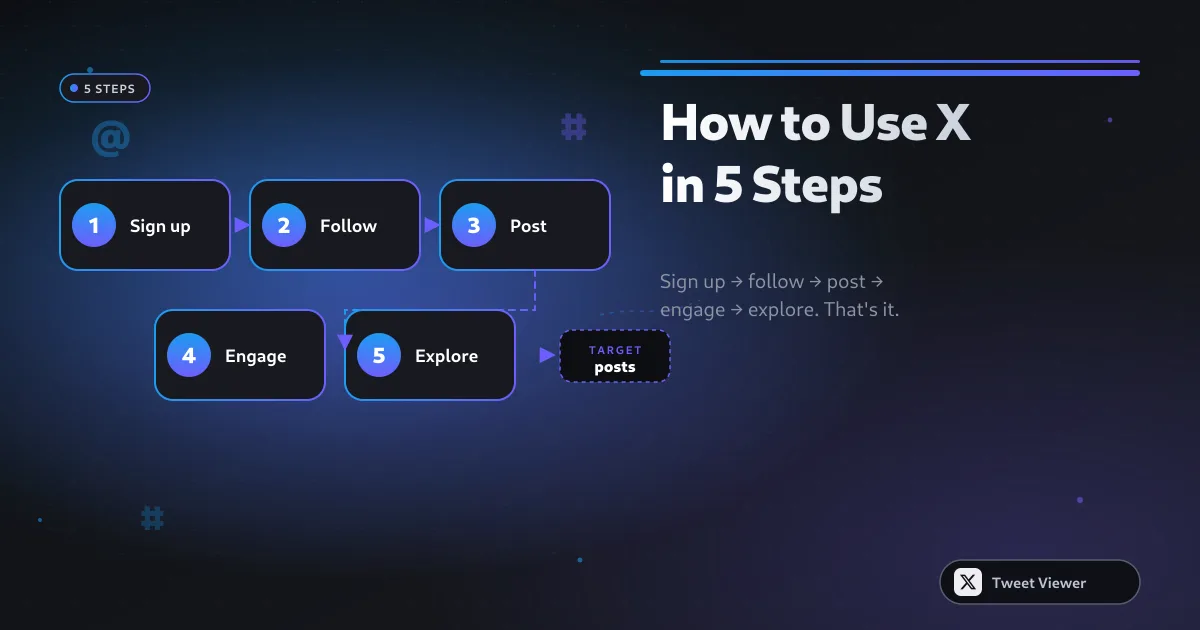
How to Use Twitter (X) in 2026: Beginner-to-Power Guide
A calm, structured guide to using X in 2026 — how to sign up, curate a good feed, post without cringing, and eventually run circles around most 2010-era Twitter accounts.
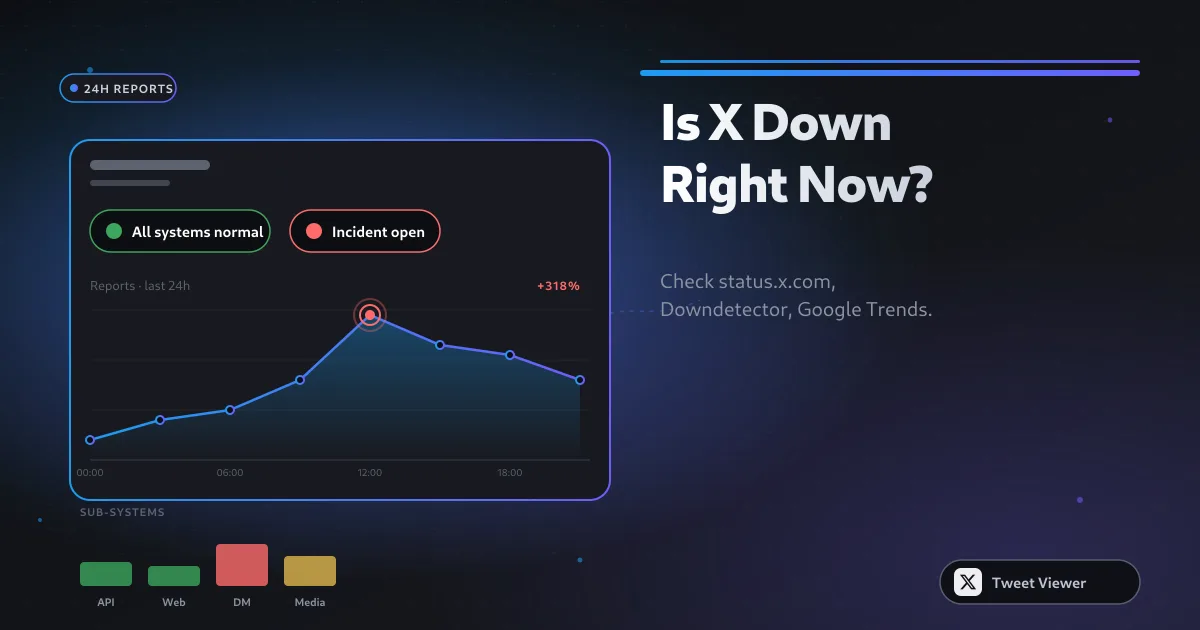
Is Twitter (X) Down? How to Check + Common Reasons
How to tell whether X is genuinely down for everyone, just down in your region, or blocked on your device — with the three status pages that will give you a straight answer in 30 seconds.

How to Shoot Your Shot on Twitter (X): 2026 Playbook
Whether you're pitching a job, an idea, or an ask-for-coffee, the mechanics of a good X DM are the same. Warm the connection first, be specific, keep it short, and know when to let it go.

How to Make Your Twitter (X) Account Private: Step-by-Step
Making your X account private (X calls it 'Protect your posts') restricts who can see, reply to, and share your posts. Here's exactly how to flip the switch and what changes after you do.
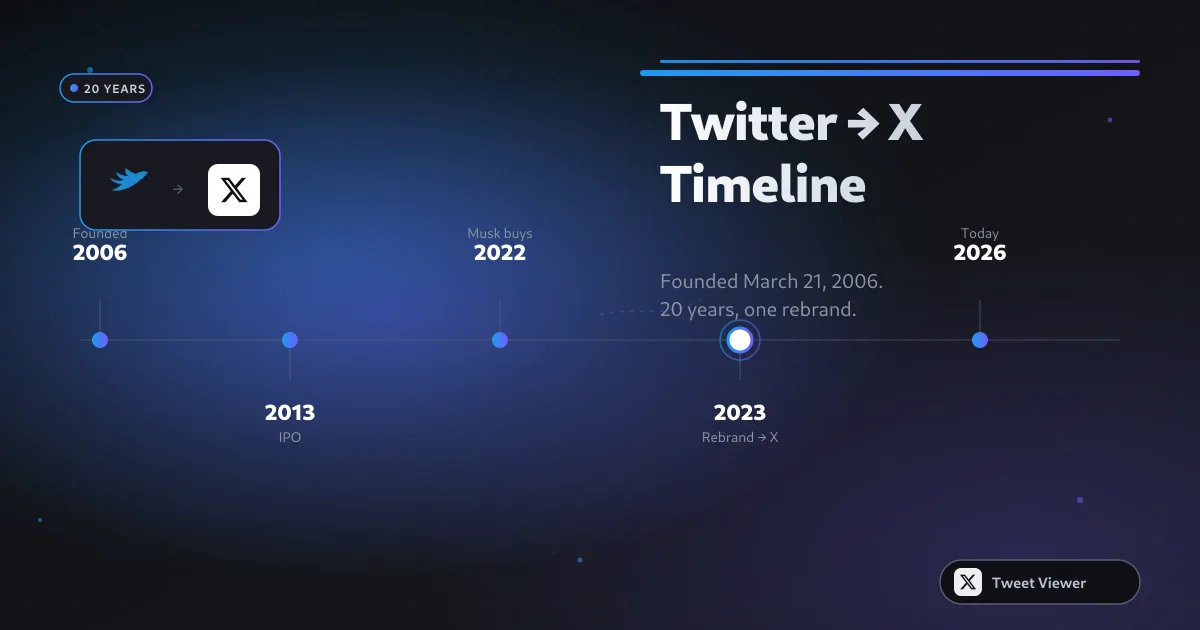
When Was Twitter (X) Created? Full Timeline 2006–2026
The direct answer: Twitter was launched publicly on July 15, 2006, but the first tweet was posted on March 21, 2006. Here's the full 20-year timeline including the 2023 rebrand to X.
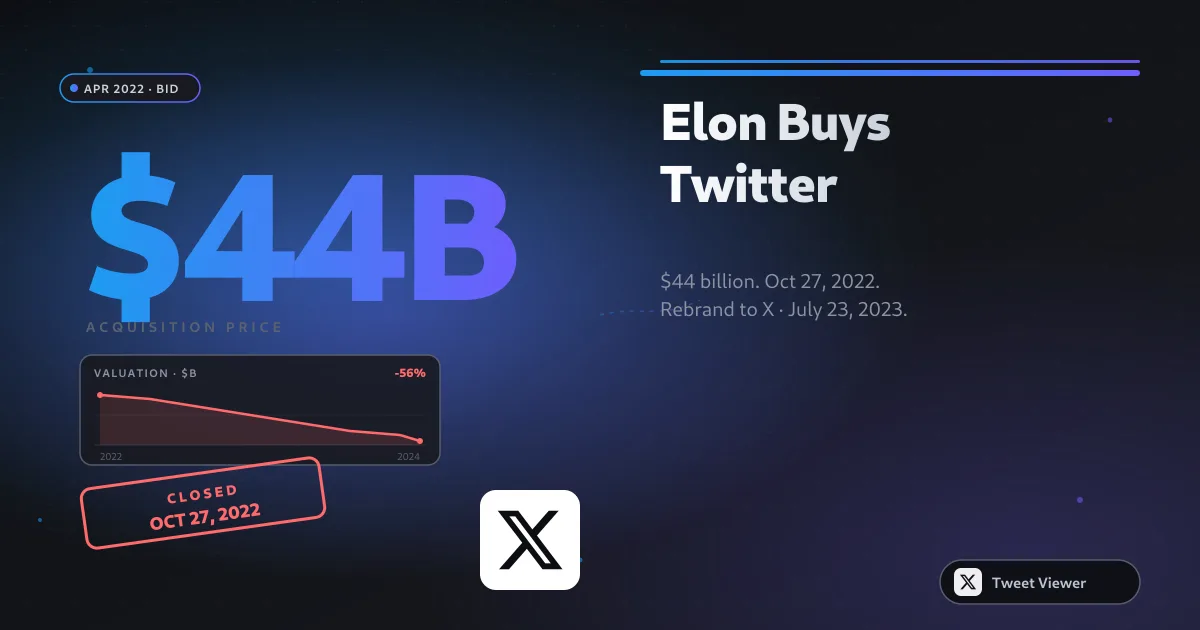
When Did Elon Musk Buy Twitter? Full Acquisition Timeline
Elon Musk closed the Twitter acquisition on October 27, 2022 for $44 billion — but the six months leading up to it were the most dramatic corporate saga in tech history. Here's the full timeline.
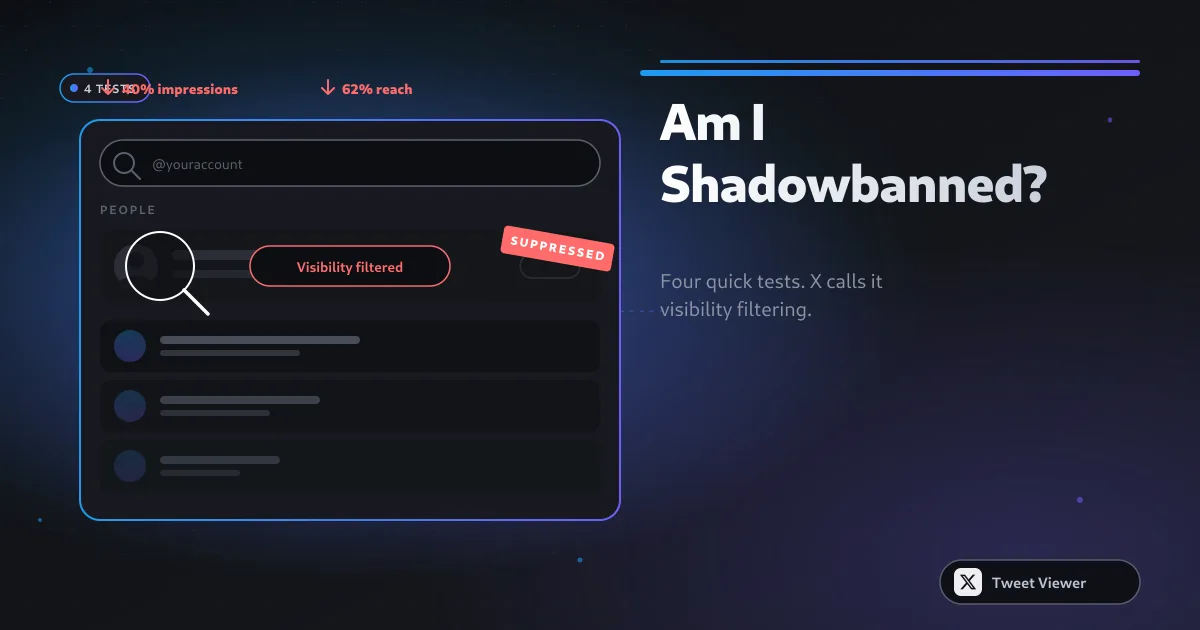
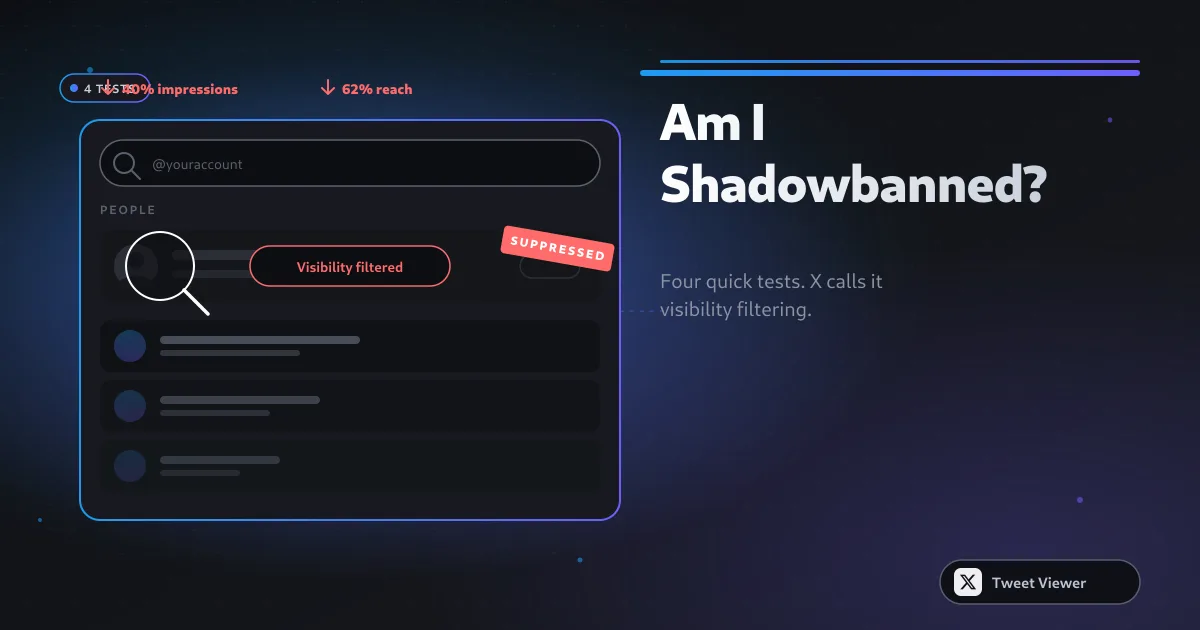
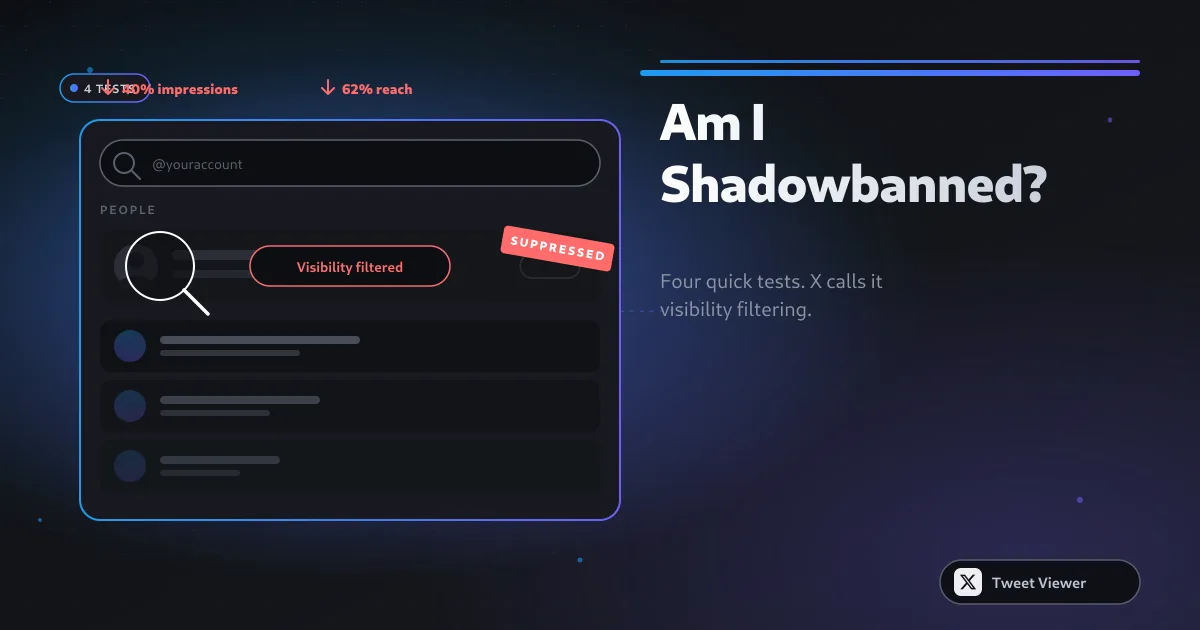
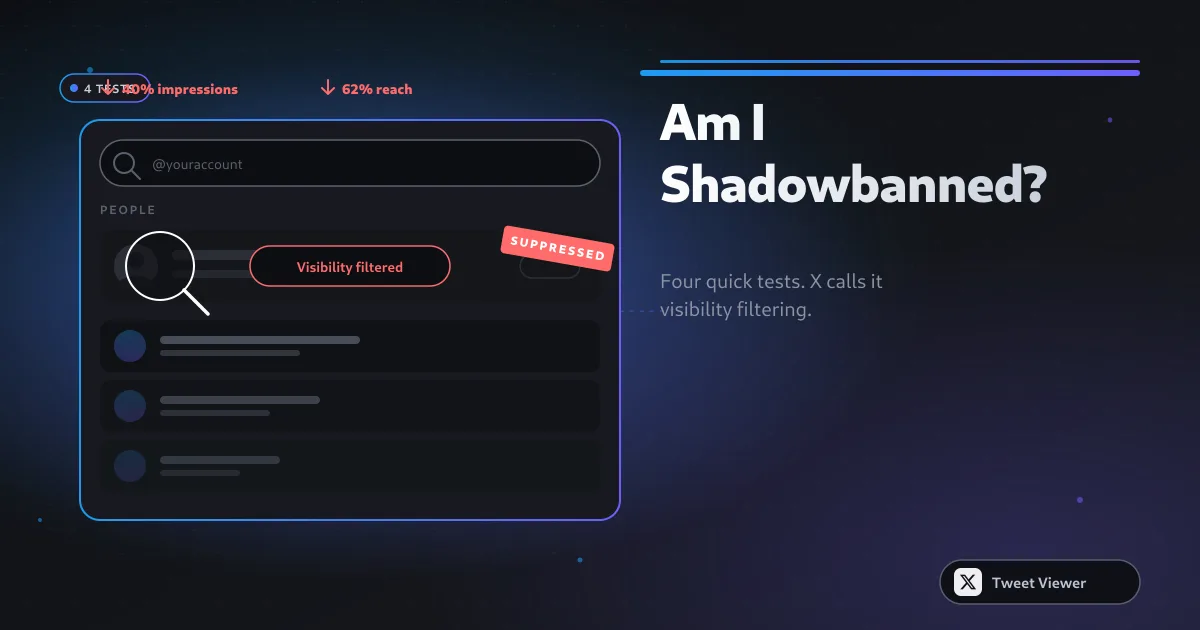
Am I Shadowbanned on Twitter (X)? How to Check + Fix
'Shadowban' is informal — X calls it visibility filtering. Here's how to test whether your reach has been reduced, distinguish it from a normal engagement dip, and what to actually do about it.
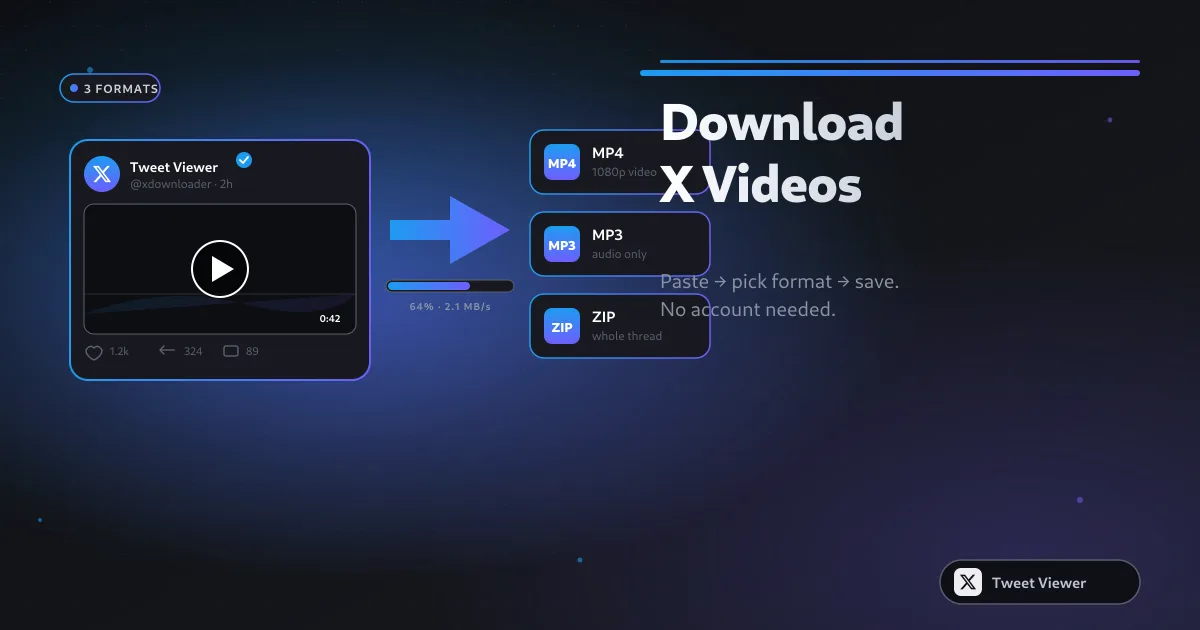
How to Download Twitter (X) Videos: 5 Methods for 2026
Five real methods to save X (Twitter) videos — from a paste-and-save browser tool to screen recording as the last resort. Comparison table, quality trade-offs, and legal notes for 2026.
How to Back Up Your Twitter Videos Before Deletion
Your X archive ZIP is the official backup, but the videos inside land as raw .mp4 blobs with cryptic filenames and no thread context. Here's how to pair the archive with a bulk downloader so every clip stays watchable, labeled, and ready to re-post.
Bulk Download Twitter Videos from a URL List
The paste-list workflow is the fastest way to grab dozens of X videos at once — one URL per line, one ZIP out. This guide covers what URL formats work, how to handle failed rows, and how to keep sessions under X's per-IP throttle.
How to Archive an Entire Twitter Thread with Videos
Threads on X can hit dozens of connected posts, each with its own video. Save the whole chain in reading order with a bulk paste-list and a tiny bit of prep — every video, every quote, one ZIP.
Bulk Twitter Video Downloader vs Browser Extensions
Browser extensions promise one-click video saves, but they trade convenience for permissions, permanence, and a track record of getting delisted. A web-based bulk downloader flips that trade — here's how the two stack up in 2026.
Twitter Bulk Video Downloader for Content Creators
Creators repurposing X content don't need a fancy pipeline — a paste-list, an MP3 pass, and a screenshot tool cover 90% of weekly production. Here's the exact routine and how to keep it under 30 minutes end-to-end.
How to Convert a Twitter Video to MP3 in 2026
MP3 is still the most portable audio format on Earth. Pulling audio out of an X post takes one paste and one click — this guide covers the flow, the quality trade-offs, and the mobile-Safari gotchas.
Save Twitter Podcast Clips as MP3 for Offline Listening
Podcasters clip their best moments straight to X. If you want those clips in your podcast queue instead of scrolling to them later, save them as MP3 with a single paste — here's the exact flow.
Twitter to MP3 Quality Guide: Bitrate and Format
The bitrate dropdown looks simple but hides the most misunderstood trade-off in consumer audio. Here's what 128, 192, and 320 kbps actually mean for X-video-to-MP3 conversion, and when each is worth picking.
How to Download Audio from Twitter on iPhone (iOS)
iOS's tight audio sandbox used to make downloading Twitter audio a hassle. In 2026 Safari's download manager and the Files app cover the whole workflow with two taps — here's the exact route.
Twitter Video to MP3 with No Software Install
You can extract audio from an X video with nothing but a URL and a browser tab. No admin password, no App Store approval, no Chrome extension. Here's why that matters and how it works.
How to Screenshot a Tweet as a Clean PNG
The manual screenshot of a tweet is instantly recognizable — cropped weirdly, includes the reply button, has the browser toolbar. A tweet-to-PNG tool solves all of that with one paste. Here's the flow.
Screenshot a Twitter Thread as One Clean Image
Threads on X are visually native but their PNG exports are always messy — until you use a proper thread capture tool. Here's how to get a single clean image of any thread, plus how to use it on LinkedIn.
Tweet-to-Image Tool vs Manual Screenshot: Quality Compared
Both approaches produce an image of a tweet, but they produce very different images. Here's what a dedicated tool does that a phone screenshot can't, and when the phone screenshot is actually the right pick.
Share Tweets as Images on Instagram and LinkedIn
Cross-posting tweets to Instagram and LinkedIn is one of the highest-leverage content moves of 2026 — but only if the images look intentional. Here's the sizing, the aesthetic, and the workflow.
High-Resolution Tweet Screenshot for Articles and Print
For journalism and print, a tweet screenshot has to hold up at magazine-page resolution — and outlast the tweet's own lifespan. Here's the workflow professional publishers use.

How to View Twitter (X) Without an Account (2026 Guide)
X locked most of the logged-out experience in 2023, but public profiles and tweets are still viewable without an account through the right tools. Here is exactly what works in 2026, what doesn't, and how to stay anonymous while you browse.

View Twitter (X) Anonymously: The No-Login Privacy Guide (2026)
'Anonymous' means two things: X can't tie the view to an account, and the account you view gets no signal. This guide covers both — the tool that reads public data without a login, plus the browser and network settings that close the remaining gaps.
Twitter Profile Viewer: View Any Public X Profile Without Login (2026)
A profile viewer loads a public X account's timeline the way X used to before the login wall — banner, avatar, bio, and a scrollable feed of posts and media — with no account required. Here's how it works and what it can pull.

Can People See Who Viewed Their Twitter? The 100% Private Answer (2026)
Short answer: no. X has never shown who viewed a profile, and third-party apps that claim to are scams. Here's what the tweet view counter does and doesn't reveal, and how to view anyone with zero trace.
Twitter Viewer vs Nitter (2026): Best Anonymous Browsing Alternatives
Nitter was the go-to for logged-out X browsing until X's API changes broke most instances. This is an honest 2026 comparison of Nitter and modern viewer tools, with a clear recommendation for each use case.
Twitter GIF Downloader: How to Save GIFs from Twitter/X (2026)
X doesn't actually store GIFs as GIFs — it converts them to silent MP4 loops. That's why right-click 'Save' gives you a video, not a shareable GIF. Here's how to get a real animated .gif back, on any device.
Best Twitter (X) Video Downloader 2026: Save HD Videos & GIFs Free
There are dozens of X video downloaders; most bury you in ads, add watermarks, or want a login. This guide sets out the criteria that matter and shows how to grab HD video, GIFs, and MP3 audio for free with no account.
How to Save Twitter (X) Videos to iPhone & Android (Free, No App, 2026)
You don't need a shortcut, a shady app, or a login to save an X video on your phone. Here's the browser-only method for iPhone and Android, where the file ends up, and quick fixes when it won't save.

How to Copy Video Post Links on X (Twitter) — Every Device (2026)
Copying the right link is the first step to downloading, viewing, or sharing an X video. Here's how to grab the post URL on every device — and how to get the direct video file URL when you need it.

How to View Sensitive Content on Twitter (X): Complete Settings Guide (2026)
X hides media it flags as sensitive behind a warning. If you keep hitting 'This media may contain sensitive content,' here's how to change the setting on every platform — and how to view flagged public media without an account.

Top 5 Best Twitter (X) Video Downloaders of 2025-2026
There are dozens of X video downloaders and most bury you in ads, watermarks, or fake download buttons. We ranked the five that actually work in 2025-2026 on the metrics that matter: HD quality, no login, no watermark, privacy, and format range.

Best Twitter (X) Video Downloader for Mac (2026)
You don't need a desktop app or a Homebrew script to save X videos on a Mac. A browser-side downloader pulls full-HD MP4 straight into your Downloads folder in Safari or Chrome, with no login and no watermark.

Best Twitter (X) Video Downloader for Windows (2026)
Windows users don't need a downloaded program or a sketchy .exe to save X videos. A browser-side downloader pulls full-HD MP4 straight into your Downloads folder in Chrome, Edge, or Firefox — no login, no watermark.

Best Twitter (X) Video Downloader for iPhone (2026)
iOS makes saving media awkward, but you don't need an App Store download to get X videos onto your iPhone. A browser-side tool in Safari pulls full-HD MP4 and drops it into your Photos with the Save to Files or long-press trick.

Best Twitter (X) Video Downloader for Android (2026)
Android makes saving media simple — a browser-side downloader in Chrome pulls full-HD MP4 straight into your Downloads and Gallery, with no Play Store app, no login, and no watermark.

How to Schedule Posts on X (Twitter) — Free & Native (2026)
You don't need Hootsuite or Buffer to schedule an X post. The native scheduler is built right into the composer, it's free, and it works from the web app. Here's exactly where the button is and how to manage what you've queued.

X TV: Chromecast Support on iOS and Elon Musk Teasing Launch
X has quietly added Chromecast support to its iOS app and Elon Musk keeps teasing a dedicated 'X TV' living-room experience. Here's what's actually shipped, what's still a tease, and how it fits X's push to become a video platform.

The X Video Platform Will Launch Very Soon: What We Know
X's transformation from a text-first feed into a full-blown video platform is accelerating: longer uploads, a dedicated video tab, creator revenue sharing, and living-room TV ambitions. Here's what's confirmed, what's teased, and what it means for you.

Is X Downloader the Perfect Alternative to SSSTwitter & Co.?
SSSTwitter and the wave of copycat downloaders get the job done, but at the cost of ads, redirects, and watermark upsells. Is a cleaner, browser-side X downloader actually a better alternative? Here's an honest, feature-by-feature look.

Subscribe to an X (Twitter) User Anonymously and Get Notifications
You can keep up with someone's X posts without following them, without an account, and without them ever knowing — no notification goes to the account you're watching. Here are the anonymous ways to get alerted to new tweets in 2026.