

Twitter MP3 Quality Settings Guide: What Bitrate Really Matters
The bitrate dropdown looks simple but hides the most misunderstood trade-off in consumer audio. Here's what 128, 192, and 320 kbps actually mean for X-video-to-MP3 conversion, and when each is worth picking.
Bottom line
X serves audio at roughly 128 kbps AAC inside its video containers. Re-encoding to 192 kbps MP3 gives you the best headroom without wasted bytes. 320 kbps is honest overkill for X-sourced audio; 128 kbps is fine for spoken word. Use /twitter-mp3-downloader with the default 192 kbps unless you have a specific reason to change.
Table of Contents
What bitrate actually measures
Bitrate is the number of bits the encoder uses per second of audio. 128 kilobits per second means 16,000 bytes per second, or roughly 1 MB per minute of stereo audio. Higher bitrate means more bits allocated to preserving detail — but only up to the point where the source material can be preserved. Encoding a 128 kbps AAC source at 320 kbps MP3 does not add fidelity; it just makes a bigger file.
The MP3 downloader exposes 128, 192, and 320 kbps as options. The default is 192 because that's the point where AAC-to-MP3 re-encoding stops introducing audible artifacts for typical X content.
What quality X actually serves
X's video CDN serves audio muxed into MP4/H.264 containers at approximately 128 kbps AAC-LC (constant bitrate) as of 2026, per public inspection with tools like ffprobe. Some Premium/creator uploads reach 192 kbps AAC. There is no publicly documented lossless tier.
That means the source you're re-encoding is already lossy. Re-encoding lossy audio to a higher bitrate is generational loss — you're stacking one lossy codec on another. 192 kbps MP3 is the point where the second-generation loss is imperceptible to human ears for spoken word; 320 kbps buys marginal improvement for music and mainly costs disk space.
Picking a bitrate: the decision tree
128 kbps: choose for spoken-word content (podcasts, interviews, monologues) when you care about file size. A 30-minute clip is about 29 MB. Indistinguishable from higher bitrates to human ears in this content class.
192 kbps: the default. Choose for mixed content — a conversation with background music, a live performance recording, or when you're not sure. 30 minutes is about 43 MB. This is what the MP3 tool uses unless you change it.
320 kbps: choose only if you're archiving music-heavy clips and want maximum headroom for future re-encoding. 30 minutes is about 72 MB. Do not expect audible improvement over 192 for X-sourced content.
Sample rate and channels
X uses 44.1 kHz stereo for almost all uploads. The MP3 tool preserves both. There is no down-mixing to mono unless the source itself was mono. Sample rate of 44.1 kHz is CD-quality and covers the full range of human hearing; a higher sample rate would be pointless for this material.
If you're processing the MP3 further — running it through Audacity, Descript, or Adobe Podcast Enhance — keep the source at 192 kbps rather than 128. Downstream tools work better with more input bits even when the human ear can't tell the difference at listen time.
Comparing to Spotify, Apple Music, and podcasts
Reference points: Spotify Free streams at 96 kbps Ogg Vorbis; Spotify Premium is 320 kbps; Apple Music defaults to 256 kbps AAC. Most podcasts publish at 96 or 128 kbps MP3. So a 128 kbps MP3 from X is right in line with what most people listen to daily on podcast apps.
The perception gap between 128 and 320 kbps for spoken word is close to zero in double-blind ABX tests. The gap widens for music with a lot of transient content (drums, cymbals) but even there, the ceiling is set by X's own 128 kbps input.
Frequently asked questions
Is 320 kbps really pointless for X audio?
For blind listening, yes — the ceiling is set by X's 128 kbps input. For archival purposes where you might re-edit later, 192 or 320 gives downstream tools more headroom to work with.
Why not offer 96 kbps for even smaller files?
96 kbps MP3 introduces audible artifacts on cymbals and consonants. It's fine for voice-only content but the file-size savings over 128 kbps are minor (25%), so we standardized on 128 as the floor.
Does variable bitrate (VBR) help?
VBR gives slightly better quality per byte on average, but the tool uses constant bitrate for predictability — file sizes match user expectations and playback compatibility is universal.
What about lossless FLAC?
There's no lossless source to preserve. X already served the audio as lossy AAC. Converting to FLAC would produce a huge file that contains no more information than a well-chosen MP3.
Will the MP3 play in car stereos?
Yes — every car head unit since 2002 supports MP3. Older units may struggle with VBR files, which is another reason the tool uses constant bitrate.
Sources & further reading
Related reading
How to Convert a Twitter Video to MP3 in 2026
MP3 is still the most portable audio format on Earth. Pulling audio out of an X post takes one paste and one click — this guide covers the flow, the quality trade-offs, and the mobile-Safari gotchas.
Save Twitter Podcast Clips as MP3 for Offline Listening
Podcasters clip their best moments straight to X. If you want those clips in your podcast queue instead of scrolling to them later, save them as MP3 with a single paste — here's the exact flow.
Twitter Video to MP3 with No Software Install
You can extract audio from an X video with nothing but a URL and a browser tab. No admin password, no App Store approval, no Chrome extension. Here's why that matters and how it works.
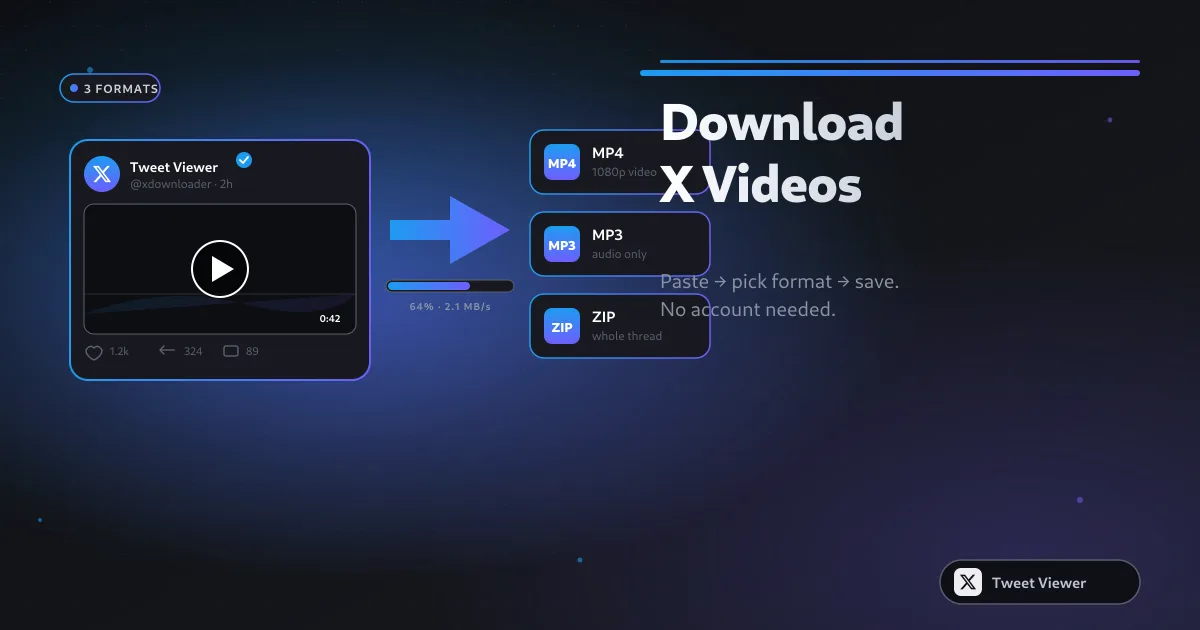
How to Download Twitter (X) Videos: 5 Methods for 2026
Five real methods to save X (Twitter) videos — from a paste-and-save browser tool to screen recording as the last resort. Comparison table, quality trade-offs, and legal notes for 2026.