

How to Back Up Your Twitter Account Videos in 2026
Your X archive ZIP is the official backup, but the videos inside land as raw .mp4 blobs with cryptic filenames and no thread context. Here's how to pair the archive with a bulk downloader so every clip stays watchable, labeled, and ready to re-post.
Bottom line
Request your official X data archive first (Settings → Your account → Download an archive), then use the Tweet Viewer bulk tool at /twitter-bulk-downloader to grab any missing videos with their original tweet URLs as filenames. Do both before you deactivate — you cannot request an archive after the account is gone.
Table of Contents
Why the official X archive alone is not enough
The official archive is the truest copy of your account, but it is not a friendly video library. When the ZIP arrives (usually 24–72 hours after you request it), the videos sit inside a tweets_media/ folder with names like 1712439921883000833-GmA_video.mp4. Reconstructing which clip came from which tweet requires opening the accompanying tweets.js file and matching IDs by hand.
For a small account that is fine. For anyone with even a few dozen video posts — coaches, comedians, small brands — it becomes unusable within an afternoon. That is where the bulk downloader earns its keep: paste a list of tweet URLs, and every video comes down as a properly named MP4 alongside the original post link. Combined, the two backups cover each other's gaps.
If you are backing up because you're planning to delete the account entirely, remember the 30-day grace period — but do not rely on it, because logging in cancels the deletion.
Step 1 — Request the official X archive
Open Settings → Your account → Download an archive of your data on desktop. X sends a verification code by SMS or email, then queues the request. Delivery is usually a few hours for small accounts, up to three days for accounts with tens of thousands of posts.
You get one archive per request and X rate-limits repeat requests to roughly one per 30 days per account. Do this first, then start any bulk-downloading in parallel — the archive queue does not block the bulk tool.
Step 2 — Export your video URLs
While the archive is being prepared, build a list of the tweet URLs that contain videos. The fastest way: scroll your profile's Media tab, right-click each video-bearing post, and copy the link. For heavier accounts, use the X API or an advanced-search query like from:yourhandle filter:videos.
Paste the URLs one-per-line into the paste box on the bulk downloader. There is no login required and no server-side history — the downloader resolves the video variants and streams a .zip to your browser.
Step 3 — Bulk-download the videos as a ZIP
Click Download all after pasting. Each video is fetched in the highest bitrate X still serves for that post (usually 720p or 1080p depending on how the post was uploaded) and packaged with the original tweet ID in the filename. If a video has been removed by X, the row is skipped with a clear reason so you can decide whether to file a formal GDPR access request.
The ZIP downloads directly from your browser to your device. Nothing is stored on the tool's servers, which is the same privacy posture used by the MP3 downloader.
Step 4 — Verify, then archive off-cloud
Before you deactivate the account, spot-check the ZIP: open five random clips and confirm playback. Then move the videos plus the archive ZIP to at least two locations — an external drive and one cloud (iCloud, Drive, Backblaze). "Two is one and one is none" is a real rule for irreplaceable media.
If you are backing up because you want to make the account private rather than delete it, you can skip the archive and just run the bulk tool. Private accounts still let you download your own videos through the tool as long as you are logged in on the same browser.
Common backup pitfalls to avoid
Do not deactivate until you have both the archive ZIP and the bulk downloader output on disk — you cannot re-request the archive once the account is gone. Do not rely on Twitter/X clients that stopped receiving updates in 2023 (Tweetbot, Twitterrific): their local caches skip DMs and long videos. And do not compress the raw MP4 files with lossy re-encoding — keep the original streams that X served.
Finally, note that quote-tweet chains and threaded posts need extra care. The archive stores each tweet independently, so the reading order is lost. Save the parent tweet URL in a text file alongside the videos so the sequence can be reconstructed.
Frequently asked questions
How long does the X archive take to arrive?
Small accounts (under ~5,000 tweets) usually receive the ZIP within a few hours. Larger accounts can take up to 72 hours. X delivers a signed link by email; the link expires after 7 days.
Can I back up videos from a locked or suspended account?
Only if you can still log in. If the account is fully suspended you must file an appeal at help.x.com first. If you can only log in on one device, request the archive there and paste video URLs into the bulk downloader on the same session.
Does the bulk downloader keep a copy of my videos?
No. The videos are streamed from X to a ZIP in your browser without server-side persistence. That is why you must complete the download before closing the tab.
How large is a typical backup?
A single 1080p X video is usually 8–25 MB per minute of footage. An account with 300 short posts averages around 2–3 GB.
Are DMs and their videos in the archive?
Yes. The archive includes DM text and any attached media in a direct-messages folder. The bulk downloader only handles public tweets — for private videos exchanged in DMs, the archive is the only route.
Sources & further reading
Related reading
How to Delete a Twitter (X) Account — 2026 Guide
Deleting an X account is a two-step process: you deactivate first, then X permanently erases everything 30 days later. This 2026 guide walks through every screen, plus data export and handle recovery.
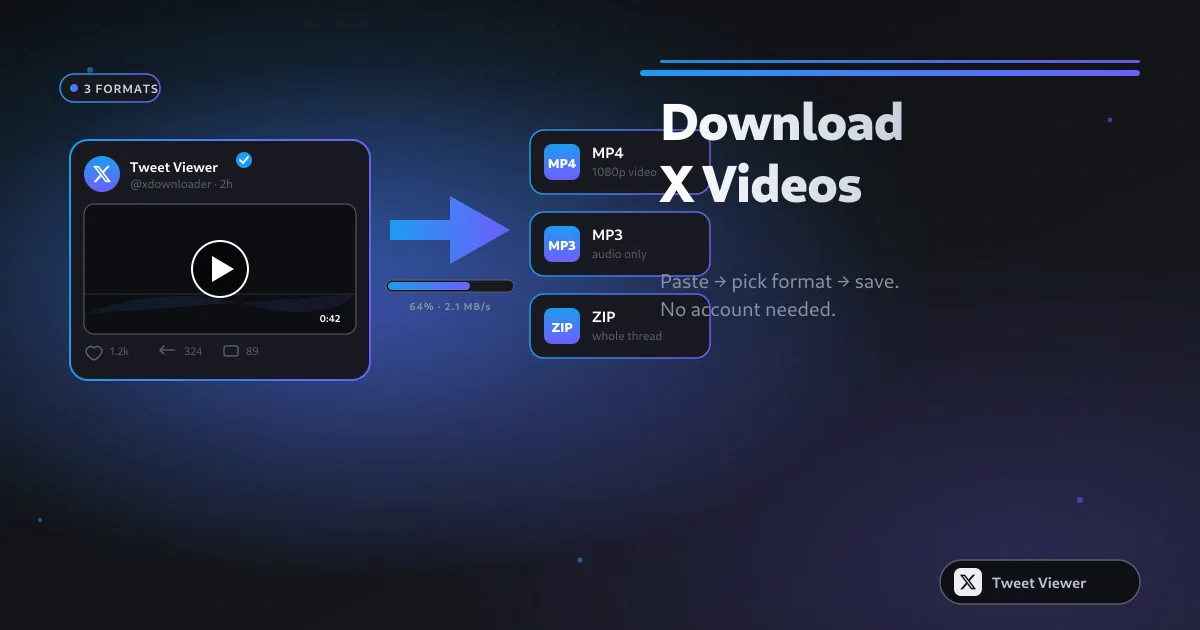
Bulk Download Twitter Videos from a URL List
The paste-list workflow is the fastest way to grab dozens of X videos at once — one URL per line, one ZIP out. This guide covers what URL formats work, how to handle failed rows, and how to keep sessions under X's per-IP throttle.
How to Archive an Entire Twitter Thread with Videos
Threads on X can hit dozens of connected posts, each with its own video. Save the whole chain in reading order with a bulk paste-list and a tiny bit of prep — every video, every quote, one ZIP.
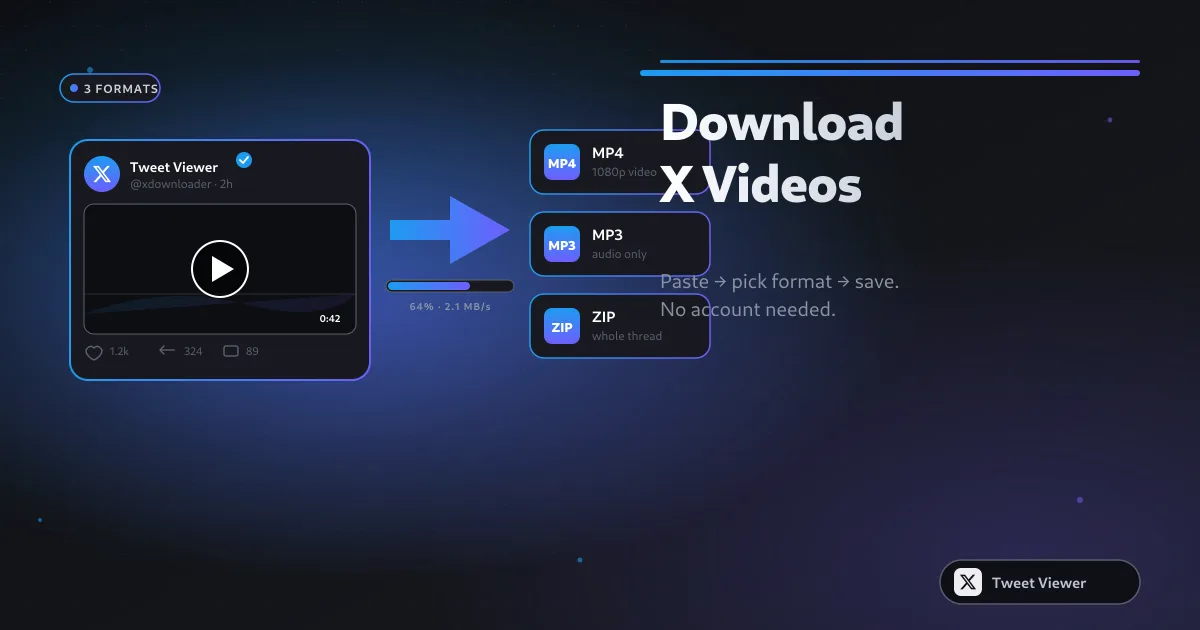
How to Download Twitter (X) Videos: 5 Methods for 2026
Five real methods to save X (Twitter) videos — from a paste-and-save browser tool to screen recording as the last resort. Comparison table, quality trade-offs, and legal notes for 2026.