

How to Delete a Twitter (X) Account in 2026: The Complete Guide
Deleting an X account is a two-step process: you deactivate first, then X permanently erases everything 30 days later. This 2026 guide walks through every screen, plus data export and handle recovery.
Bottom line
To delete your Twitter (X) account, go to Settings → Your account → Deactivate your account. X keeps everything for a 30-day grace period; if you log back in during that window, the account is restored. After 30 days it's permanently deleted and your @handle is released.
Table of Contents
What deleting an X account actually means
On X, there is no one-click "delete forever" button. What X offers is deactivation, which is the first (and only) step you initiate. The account is hidden from search and profile URLs almost immediately, and after a 30-day grace period the data is purged from user-facing systems.
During those 30 days, logging in on any device — even by accident — cancels the deletion and reactivates the account with all followers, tweets, and DMs intact. That grace period exists because a huge share of deletion requests are made in the heat of the moment. It's a feature, not a bug.
If you're just tired of the feed but not ready to nuke everything, consider making the account private (protected), checking whether you're quietly shadowbanned, or logging out for a week first.
Before you delete: export your archive
Request your data export before you deactivate — you can't request one after. Go to Settings and privacy → Your account → Download an archive of your data. X sends a link to your registered email once the ZIP is ready. This can take anywhere from a few hours to a few days depending on account size.
The archive contains every tweet, direct message, media upload, and account setting. If you use X for professional work — journalists, researchers, small business owners — this archive is your only backup after the 30-day window closes. If there are specific videos you want in a friendlier format first, run them through our HD video downloader or grab a whole thread at once with the bulk downloader.
Also revoke third-party app access at Settings → Security and account access → Apps and sessions → Connected apps. If any tool still holds a login token, it may keep hitting the API in ways that count as "activity" on the account.
Step-by-step: deactivate your X account
The flow is the same on web and mobile, though the menu labels move around slightly.
- Log in at x.com on desktop — it's the cleanest interface.
- Click More in the left rail → Settings and privacy.
- Open Your account → Deactivate your account.
- Read the notice about the 30-day window, then click Deactivate.
- Re-enter your password to confirm. That's it — you're done.
The account is immediately unlisted from search, and your profile URL returns a "This account doesn't exist" page. Do not log back in for at least 31 days if you want the deletion to complete.
What happens to your @handle, followers, and tweets
Your @handle is released back into the pool after roughly 30 days, but it's not guaranteed to become available for someone else to register instantly — X sometimes holds high-value handles or handles associated with impersonation reports. If your handle is your real name or a brand, it will most likely be reclaimable by squatters, so consider whether that's an acceptable outcome.
Your tweets are removed from search, embeds, and the profile page. Third-party archives (like the Wayback Machine or Google's cache) may still hold copies for months. There is no way to compel those services to purge — GDPR/CCPA requests only apply to X itself.
Your followers are simply cut off. There's no "you have been unfollowed" notification, and any private DM threads become read-only stubs for the other party.
Deleting from mobile (iOS and Android)
The mobile app buries the option but doesn't remove it. Tap your profile picture (top left) → Settings and privacy → Your account → Deactivate your account. From that screen the flow is identical to web. If there are voice notes or Spaces recordings you want to keep, extract them as audio first with our MP3 downloader — the archive ZIP hands you raw media without titles.
One gotcha: if you have the app installed on multiple phones and it silently launches in the background (iOS "Background App Refresh"), the daily ping can be enough to count as a login. Delete the app from every device before you start the 30-day clock, or at least sign out.
If you can't log in: recovering access first
You cannot deactivate an account you can't log into. If you've lost the password, start at x.com/i/flow/password_reset. If the email and phone number on file are also lost, use the Help form for locked or restricted accounts to prove ownership with a government ID.
Support responses can take 1–3 weeks. It's slow but it works, and it's the only legitimate path — no third-party "account deletion service" can bypass X's own auth. Anyone claiming otherwise is a scam.
The one-year 'we permanently delete' rule
Historically, X (then Twitter) stated that deactivated accounts entered a 30-day soft-delete then permanent deletion. In 2023 an internal change appeared to extend the timeline for certain long-dormant accounts to ~12 months, prompting Musk to announce a purge of years-inactive accounts. If you deactivate today, treat 30 days as the minimum — expect the visible account to be gone within that window, and full backend erasure over the following months.
If you want to be extra careful, download your archive first, deactivate, and then follow up with a formal GDPR/CCPA erasure request via X's Help forms. That written request creates a paper trail that X is required to honor within a set number of days depending on your jurisdiction.
Frequently asked questions
Can I delete my Twitter (X) account immediately with no waiting period?
No. X only offers deactivation, which starts a 30-day grace period. During that window, logging in reactivates the account. After 30 days without a login, the account is permanently removed.
Will my tweets disappear from Google search after I deactivate?
Your tweets disappear from x.com search almost immediately. Google's index catches up over the following days to weeks as pages are recrawled. Cached copies on the Wayback Machine or other archives are outside X's control.
Can I get my @handle back after deletion?
Once the 30-day window closes, your handle is released. You can re-register it if it's still available, but common or high-value handles are often snapped up quickly by others.
Does deleting my X account also cancel X Premium?
You must cancel X Premium separately before you deactivate — otherwise you may continue to be billed until the current period ends. Cancel at Settings → Premium → Manage subscription.
How long does it take to actually delete the data?
The visible account is gone after 30 days. Backend erasure (backups, logs, analytics) takes an additional 30–90 days depending on X's internal pipelines. GDPR-scope users can request a formal erasure to accelerate this.
Can I delete just my tweets without deleting the account?
Yes — use a bulk-delete tool like TweetDelete, Redact, or Circleboom. These use the X API to remove tweets in batches while keeping your @handle and followers intact.
Sources & further reading
- X Help Center — How to deactivate your account — Official step-by-step from X support.
- X Help Center — Download your data
- X Privacy Policy — Data retention
- Reuters — X to purge inactive accounts (May 2023) — Coverage of the announced inactive-account cleanup.
- EU GDPR — Right to erasure (Article 17)
Related reading

How to Make Your Twitter (X) Account Private: Step-by-Step
Making your X account private (X calls it 'Protect your posts') restricts who can see, reply to, and share your posts. Here's exactly how to flip the switch and what changes after you do.
Am I Shadowbanned on Twitter (X)? How to Check + Fix
'Shadowban' is informal — X calls it visibility filtering. Here's how to test whether your reach has been reduced, distinguish it from a normal engagement dip, and what to actually do about it.
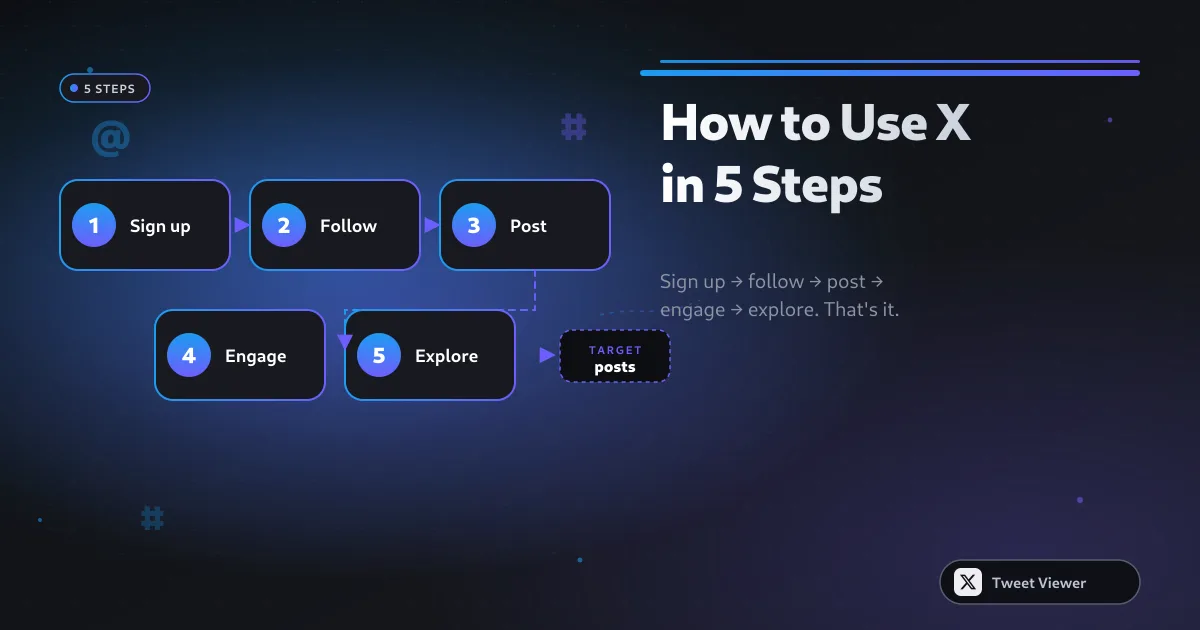
How to Use Twitter (X) in 2026: Beginner-to-Power Guide
A calm, structured guide to using X in 2026 — how to sign up, curate a good feed, post without cringing, and eventually run circles around most 2010-era Twitter accounts.
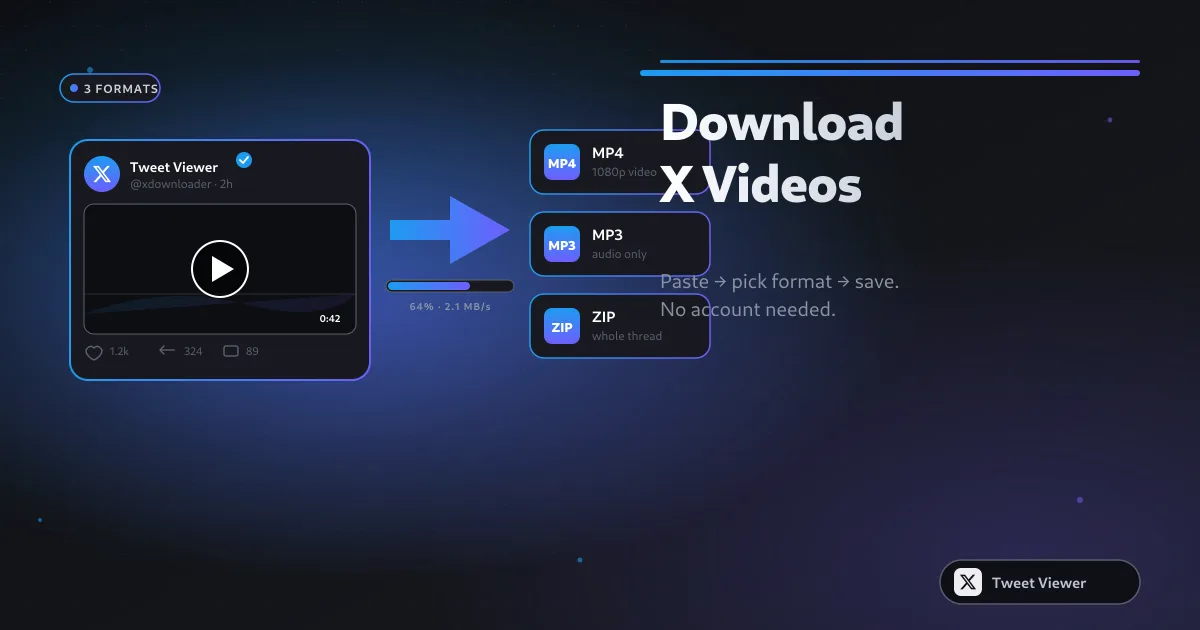
How to Download Twitter (X) Videos: 5 Methods for 2026
Five real methods to save X (Twitter) videos — from a paste-and-save browser tool to screen recording as the last resort. Comparison table, quality trade-offs, and legal notes for 2026.