

Twitter Viewer vs Nitter: Best Anonymous Alternatives (2026)
Nitter was the go-to for logged-out X browsing until X's API changes broke most instances. This is an honest 2026 comparison of Nitter and modern viewer tools, with a clear recommendation for each use case.
Bottom line
Nitter, the self-hosted open-source X front-end, is largely non-functional in 2026 after X restricted the guest tokens it relied on — most public instances are down or unreliable. A hosted Twitter Viewer like /twitter-viewer is the practical alternative: it reads X's public syndication data, works without login, and renders profiles, tweets, and media natively.
Table of Contents
What Nitter was
Nitter was a free, open-source, privacy-focused front-end for Twitter. It let you read profiles and tweets with no JavaScript, no ads, no tracking, and no account — hosted on dozens of community "instances." For years it was the default recommendation for anonymous browsing and for embedding tweets without Twitter's tracking scripts.
Why Nitter broke
Nitter depended on Twitter's internal guest-token endpoints to fetch data anonymously. In 2023, X restricted and then largely closed guest access, and later bound tokens to browser fingerprints and blocked datacenter IP ranges. The result: most public Nitter instances stopped working, and the remaining few require a rotating pool of real accounts plus residential proxies to survive — which defeats the "simple and anonymous" promise. As of 2026, treating Nitter as reliably available is a mistake.
How a modern Twitter Viewer differs
A hosted viewer like Twitter Viewer takes a different data path: instead of guest-token APIs, it reads X's public syndication feed — the same source that renders embedded tweets on news sites — which remains open. That's why it still works in 2026 without a login. It renders a native, X-styled profile and timeline, plays and downloads media, and opens individual tweets inline. You don't self-host anything; you paste a handle and it loads.
Side-by-side: which to use
For reading a public profile or tweet today: use a hosted viewer — it's the one that reliably works. For maximum self-hosted control and open-source auditability: Nitter is still the ideal in principle, but expect to run your own instance with proxies and accept frequent breakage. For saving media: pair the viewer with the video downloader, MP3, or GIF tools. For the anonymity details, see our privacy guide.
Frequently asked questions
Is Nitter still working in 2026?
Mostly no. X restricted the guest tokens Nitter relied on, so most public instances are down or unreliable. A hosted viewer is the practical alternative.
What's the best Nitter alternative?
A hosted Twitter Viewer like /twitter-viewer, which reads X's public syndication data and works without login or self-hosting.
Is a hosted viewer as private as Nitter?
For the account owner and X's account graph, yes — no login or cookie is attached. Add a private window and VPN to also hide local history and your IP.
Can I still self-host Nitter?
Technically yes, but you'll need a pool of real X accounts plus residential proxies, and it still breaks often. Most people find a hosted viewer far simpler.
Does the viewer show media like Nitter did?
Yes — photos render in a grid and videos play inline, with download options the classic Nitter didn't always offer.
Why did X break Nitter?
X closed anonymous guest access to its internal API to push logins and its paid API, which removed the data source Nitter used.
Is using a viewer against X's rules?
Viewing public content is generally accepted. Redistributing others' content without permission may violate copyright and X's terms.
Can I search tweets like on Nitter?
Neither approach offers full anonymous search anymore; deep keyword search requires X's authenticated API.
Do I need an account for the viewer?
No. It's fully no-login, unlike the account-plus-proxy setup a surviving Nitter instance now needs.
Which is faster?
A hosted viewer is typically faster and more reliable in 2026 because its data source (syndication) is still open, whereas Nitter instances are throttled or offline.
Sources & further reading
Related reading
View Twitter (X) Anonymously: The No-Login Privacy Guide (2026)
'Anonymous' means two things: X can't tie the view to an account, and the account you view gets no signal. This guide covers both — the tool that reads public data without a login, plus the browser and network settings that close the remaining gaps.
How to View Twitter (X) Without an Account (2026 Guide)
X locked most of the logged-out experience in 2023, but public profiles and tweets are still viewable without an account through the right tools. Here is exactly what works in 2026, what doesn't, and how to stay anonymous while you browse.
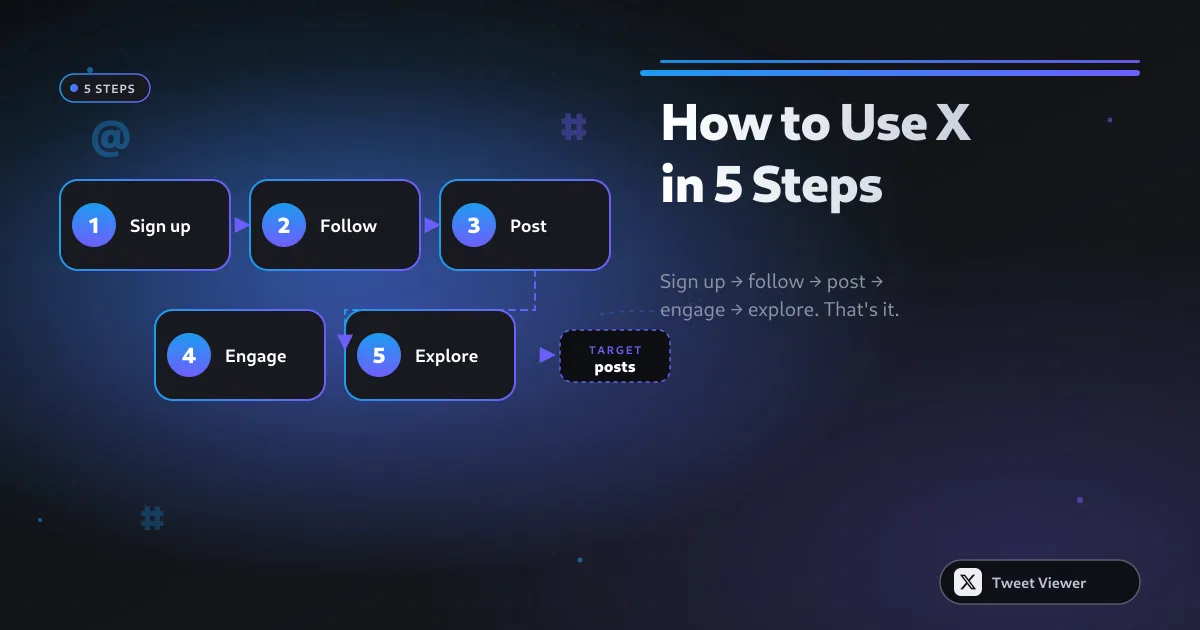
Twitter Profile Viewer: View Any Public X Profile Without Login (2026)
A profile viewer loads a public X account's timeline the way X used to before the login wall — banner, avatar, bio, and a scrollable feed of posts and media — with no account required. Here's how it works and what it can pull.
Can People See Who Viewed Their Twitter? The 100% Private Answer (2026)
Short answer: no. X has never shown who viewed a profile, and third-party apps that claim to are scams. Here's what the tweet view counter does and doesn't reveal, and how to view anyone with zero trace.