

Best Twitter Video Downloader 2026: HD Videos & GIFs, Free
There are dozens of X video downloaders; most bury you in ads, add watermarks, or want a login. This guide sets out the criteria that matter and shows how to grab HD video, GIFs, and MP3 audio for free with no account.
Bottom line
The best Twitter video downloader in 2026 is free, needs no login or app, adds no watermark, and gives you the original quality X served (up to 1080p). Paste a tweet URL at / for HD MP4, /twitter-mp3-downloader for audio, or /twitter-gif-downloader for real GIFs — all run in your browser with nothing uploaded.
Table of Contents
What makes a downloader 'best' in 2026
Ignore star ratings and look at five things: quality (does it serve the original bitrate up to 1080p, or a re-encoded low-res copy?), watermark (a good tool adds none), login (you should never hand credentials to a downloader), privacy (does processing happen in your browser or on someone's server?), and ads/redirects (the fewer the better). A tool that scores well on all five beats a flashy one that fails on any.
Saving HD video
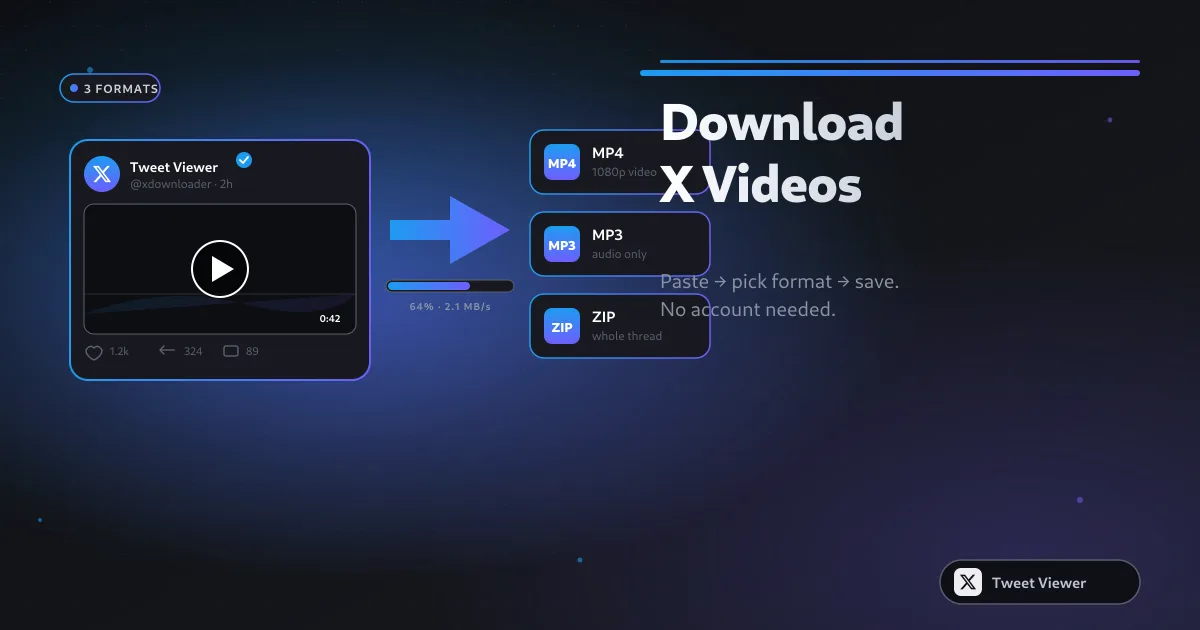
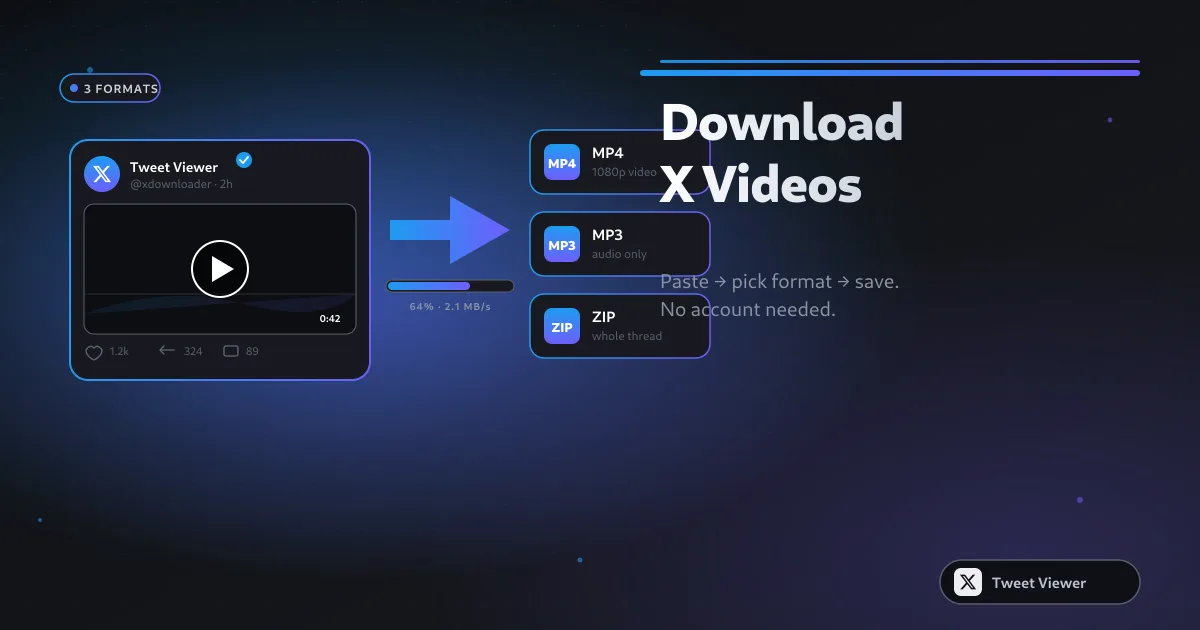
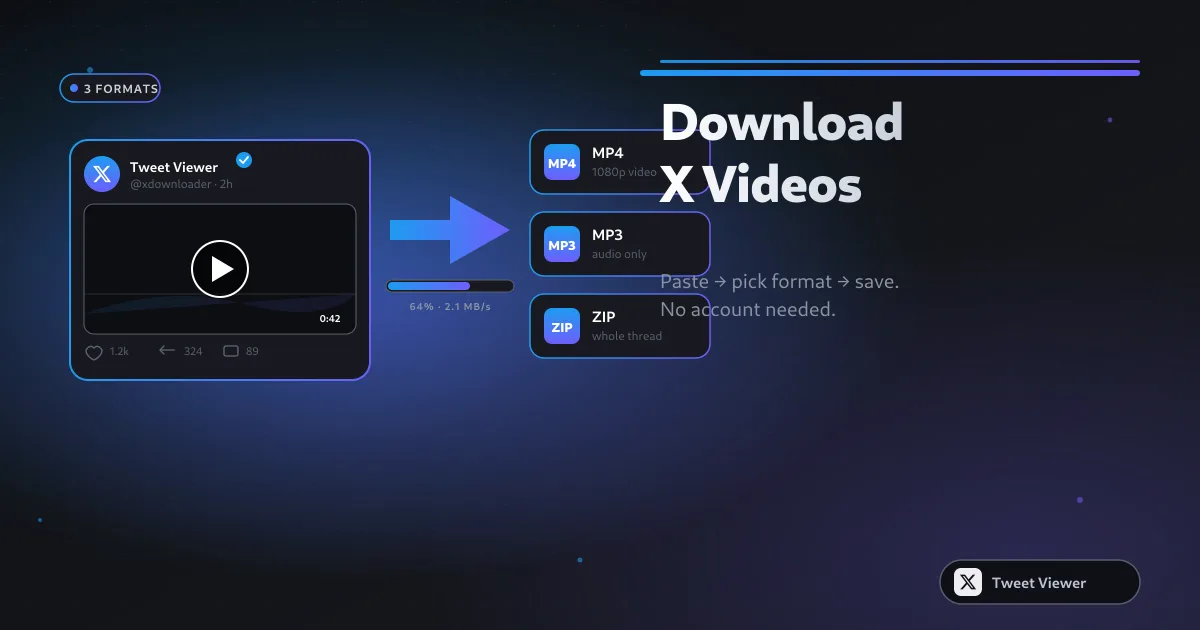
Copy the tweet's link and paste it into the HD video downloader. It lists every MP4 quality X still serves for that post — pick the highest (usually 1080p for post-2023 uploads, 720p for older ones) and download. There's no upscaling and no watermark; the file is the exact rendition X delivered. Works the same on phone and desktop.
Audio and GIFs
For audio only, the MP3 converter strips the soundtrack to a 320 kbps MP3 on-device using in-browser ffmpeg — great for podcast clips and interviews (full guide). For animated GIFs, the GIF downloader converts X's MP4 back to a real .gif (why that's needed). To grab many videos at once, the bulk downloader zips a whole paste-list.
Privacy: browser-side vs server-side
Many downloaders upload the video to their server, process it, and hand you a link — meaning they see (and can log) everything you download. The better pattern does the resolve and conversion in your browser, so the media streams directly from X to you. All our tools use the browser-side approach, and we don't store the URLs you enter. If you also want to browse anonymously, pair them with the no-login Twitter Viewer.
Frequently asked questions
What's the best free Twitter video downloader in 2026?
One that's no-login, no-watermark, browser-side, and serves original quality up to 1080p. Paste a tweet URL at / to try it.
Can I download Twitter videos in 1080p?
Yes, when the post has a 1080p rendition. The downloader lists every quality X serves; older posts may cap at 720p — that's X's limit, not the tool's.
Do the best downloaders add a watermark?
No. A quality downloader gives you the exact MP4 X served with no watermark or re-encoding.
Should I ever log in to a downloader?
Never. No legitimate video downloader needs your X password. Anything that asks is a phishing risk.
Can I download GIFs and audio too?
Yes — /twitter-gif-downloader for real GIFs and /twitter-mp3-downloader for 320 kbps MP3, both free and no login.
Is it safe and private?
Browser-side tools stream media directly from X to your device and don't upload it to a server. We also don't store the links you paste.
Does it work on iPhone and Android?
Yes, entirely in the mobile browser with no app. See our iPhone/Android saving guide for the exact steps.
How many videos can I download?
There's no per-user cap. For dozens at once, use the bulk downloader to get a single ZIP.
Are these tools legal?
Downloading public videos for personal use is generally accepted. Re-uploading someone's content without permission may violate copyright and X's terms.
Why do some downloaders give low-quality files?
They re-encode the video on their server to save bandwidth. A good tool serves X's original rendition untouched.
Sources & further reading
Related reading
How to Download Twitter (X) Videos: 5 Methods for 2026
Five real methods to save X (Twitter) videos — from a paste-and-save browser tool to screen recording as the last resort. Comparison table, quality trade-offs, and legal notes for 2026.
How to Save Twitter (X) Videos to iPhone & Android (Free, No App, 2026)
You don't need a shortcut, a shady app, or a login to save an X video on your phone. Here's the browser-only method for iPhone and Android, where the file ends up, and quick fixes when it won't save.
Twitter GIF Downloader: How to Save GIFs from Twitter/X (2026)
X doesn't actually store GIFs as GIFs — it converts them to silent MP4 loops. That's why right-click 'Save' gives you a video, not a shareable GIF. Here's how to get a real animated .gif back, on any device.

How to Convert a Twitter Video to MP3 in 2026
MP3 is still the most portable audio format on Earth. Pulling audio out of an X post takes one paste and one click — this guide covers the flow, the quality trade-offs, and the mobile-Safari gotchas.